
Koe
Voice notes that become text as you speak.
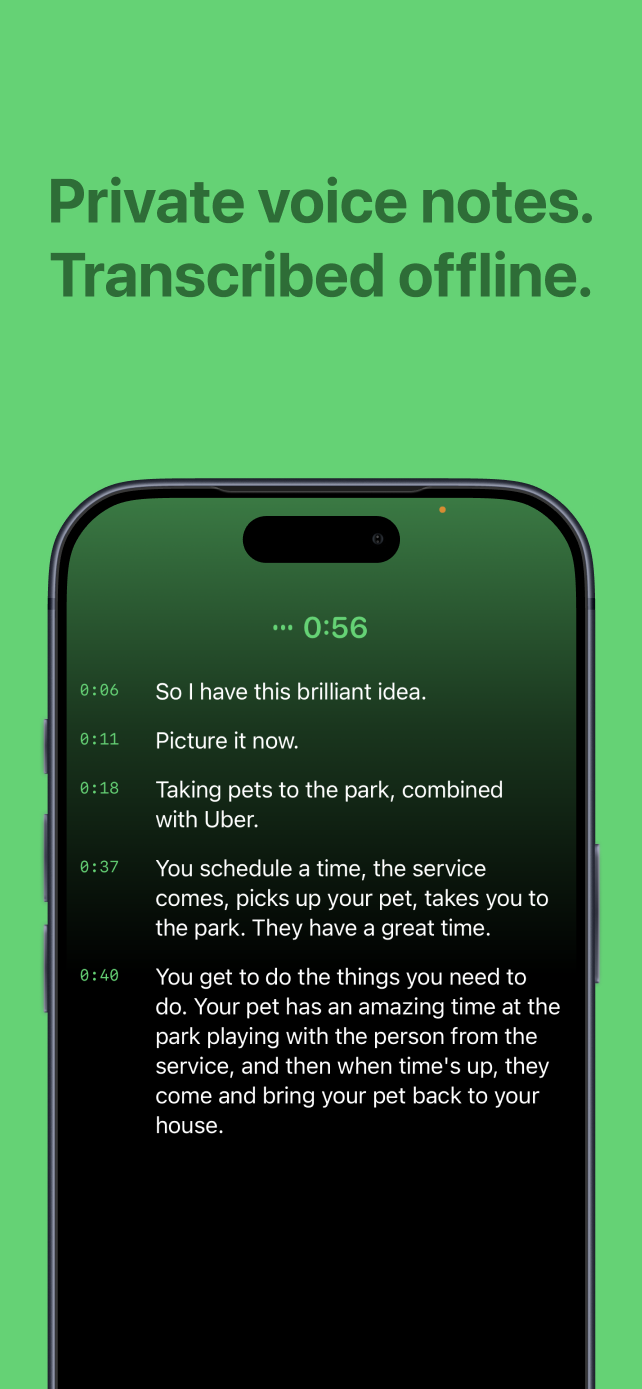
Start recording and Koe writes a timestamped transcript as you talk. Stop, add a title if you want, and the note is already filed under that day.
- Live transcription as you speak
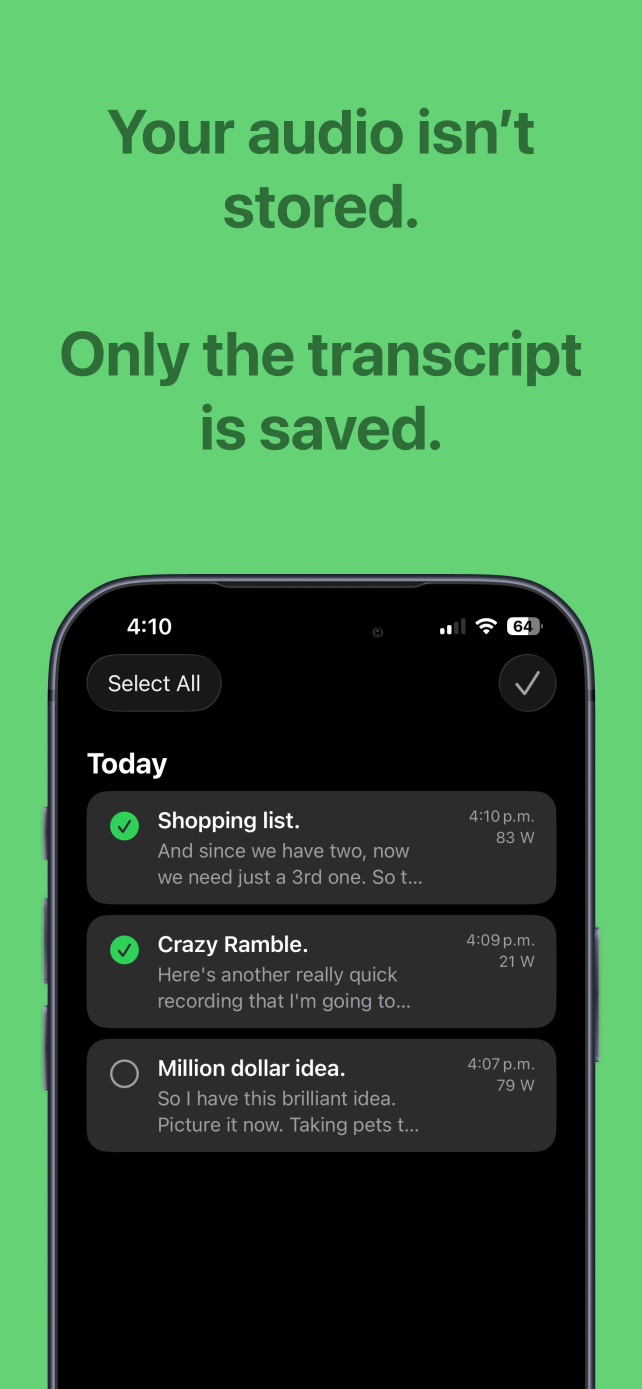
- Entries organized by day
- Optional title for each entry
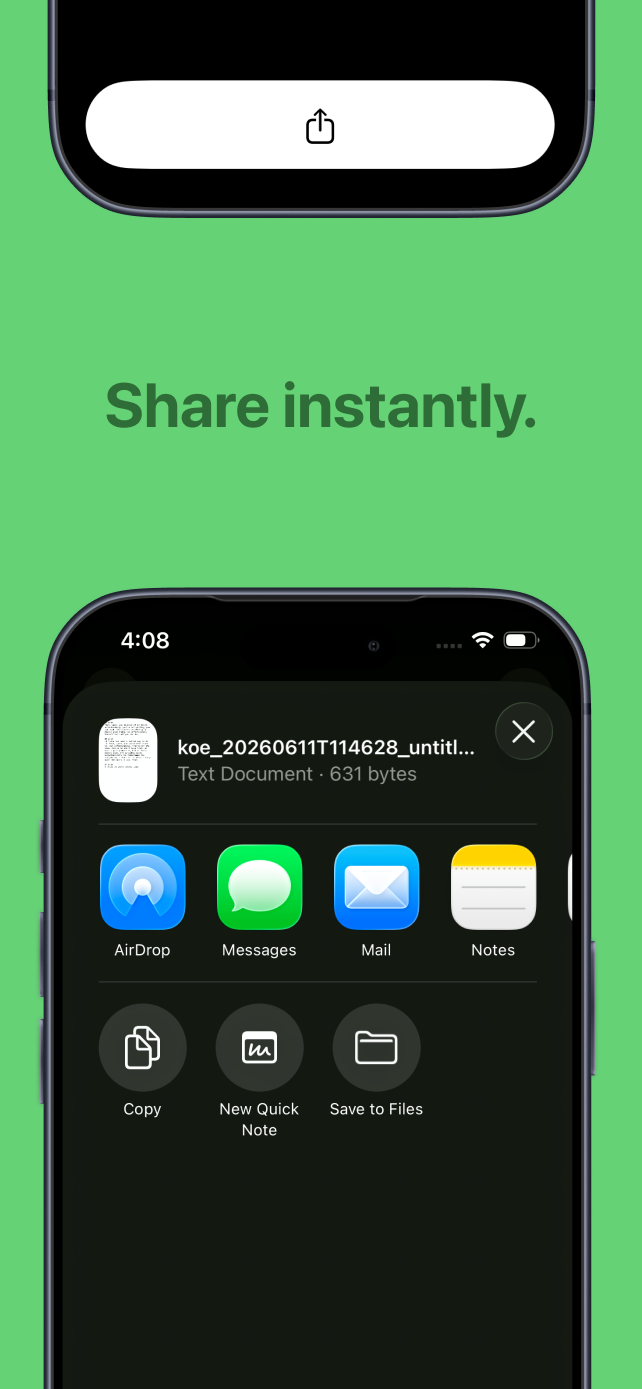
- Share a single entry or a full day
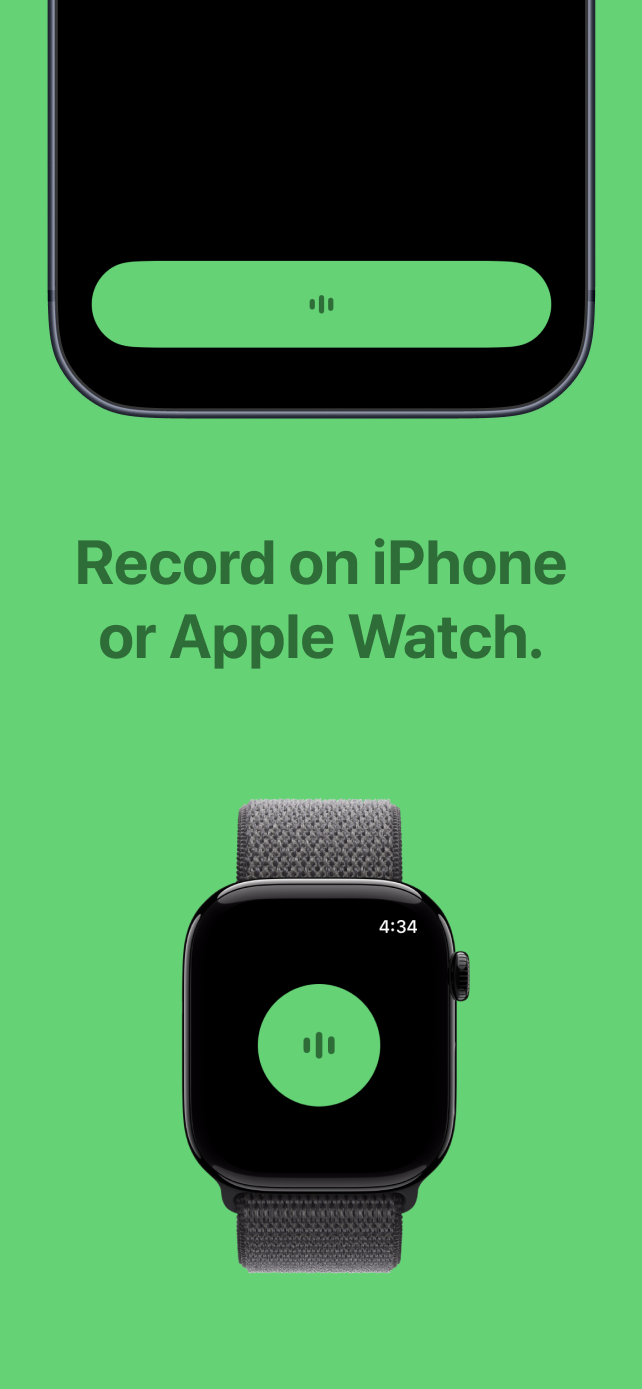
- Apple Watch support
Text first
With Koe, the transcript is the saved note rather than an attachment to an audio recording. That removes a separate transcription step and makes each recording readable as soon as it ends.
I kept the recording flow short: tap, speak, stop. Titles are optional, entries are grouped by day, and sharing uses the iOS share sheet. There is no account, AI-generated summary step, or cloud processing for organizing your entries.